
VINELink Coverage in Chenango County
VINELink handles custody searches and notifications. New York DOCCS names VINE as its state service. The New York State Sheriffs' Institute and Sheriff Assist describe a VINE-powered release system for county jails. Statewide material backs that layer. It does not publish a Chenango-specific export or a fixed field list. Use the live jurisdiction selector. Confirm that Chenango County and the person have a matching record. VINE is not a list of everyone arrested. A missing result can reflect ongoing processing, a release, a transfer, or mismatched data. It can also mean no participating record at all. The official VINELink search screen is the interface to use for this check.
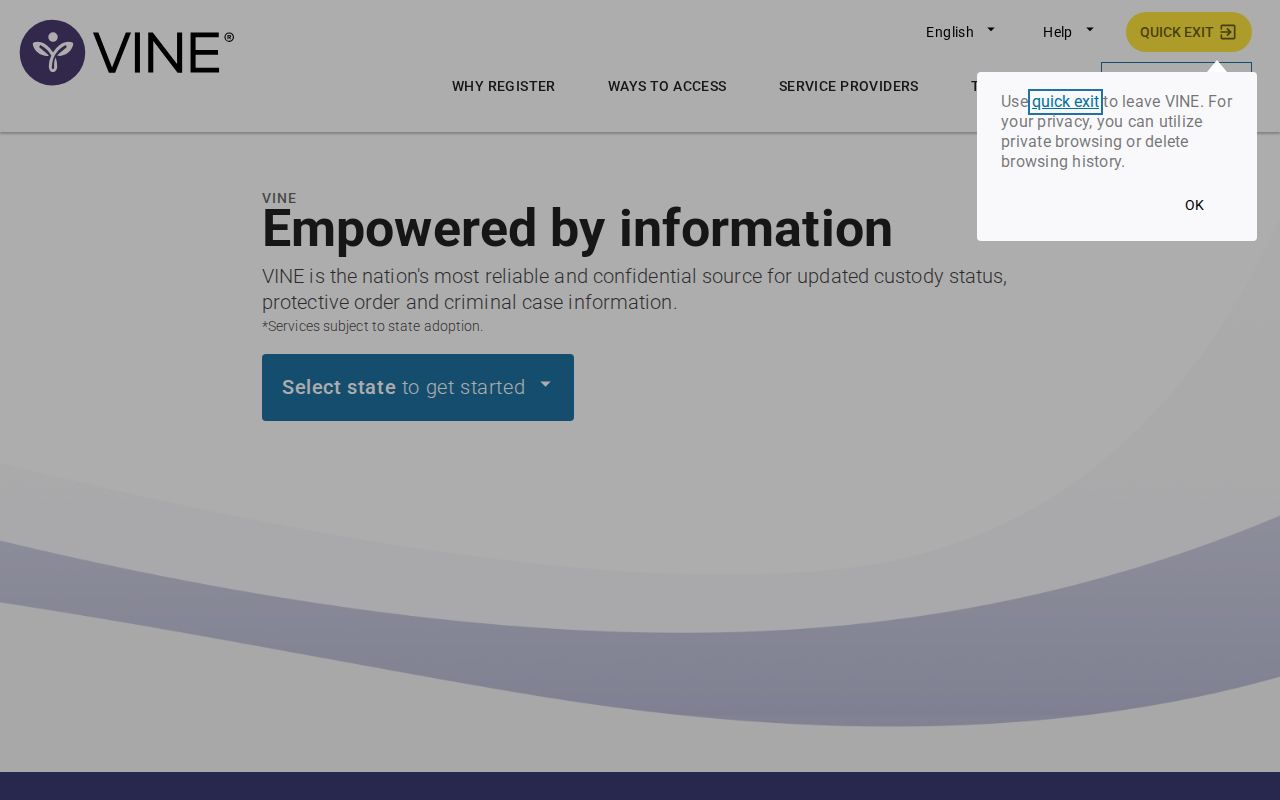
The capture shows the search path without exposing personal data.
Check a Chenango Arrest on VINELink
Search and registration are two separate tasks. Start with enough identifying detail to separate people who share a name, since state records accept a DIN or NYSID and county fields vary with the live interface.
- Open VINELink and select New York.
- Select the county or custody agency offered.
- Enter the supported name or identifier fields.
- Compare multiple matches by agency and identifiers.
- Open the matching record and read its event time.
If no match appears, recheck the spelling and jurisdiction, then call the Chenango County Booking Desk at 607-337-1850. The county arrest hub explains where police and court records live.
What VINELink Shows After an Arrest
Fields vary by agency and version. Describe only what the live result shows.
| Item | Meaning |
|---|---|
| Person or identifier | Distinguishes records; a name alone may not. |
| Custody agency | Names the participating system. |
| Status | Reflects custody at the reported event time. |
| Facility | May name the holding location. |
| Release or transfer | Reports a custody change, not a court result. |
| Alert eligibility | Shows whether registration is offered. |
A VINE result reports custody only, so a listed charge may later be reduced, dismissed, or resolved differently in court.
How to Register for Custody Alerts
New York materials describe phone, email, and text alerts. Phone registration relies on a four-digit PIN, which should stay private.
- Select registration on the correct person record.
- Choose phone, email, or text when offered.
- Create the four-digit PIN for phone alerts.
- Complete confirmation and verify the subscription.
- Register again if the person moves systems.
New York VINE lists 1-888-846-3469 for automated service and operator help. DOCCS notes that phone registration requires no name or address and keeps the registered number confidential.
Chenango VINELink Limits
VINELink does not cover BOP, U.S. Marshals, and ICE custody in one search. Nor does it replace the county jail, a police report, or a court disposition. It also does not replace a Sheriff records request. A county release notice does not prove release from another system. The Chenango County Sheriff app's official Android listing documents its separate inmate-search and change-of-status role. That listing is the app's own record.
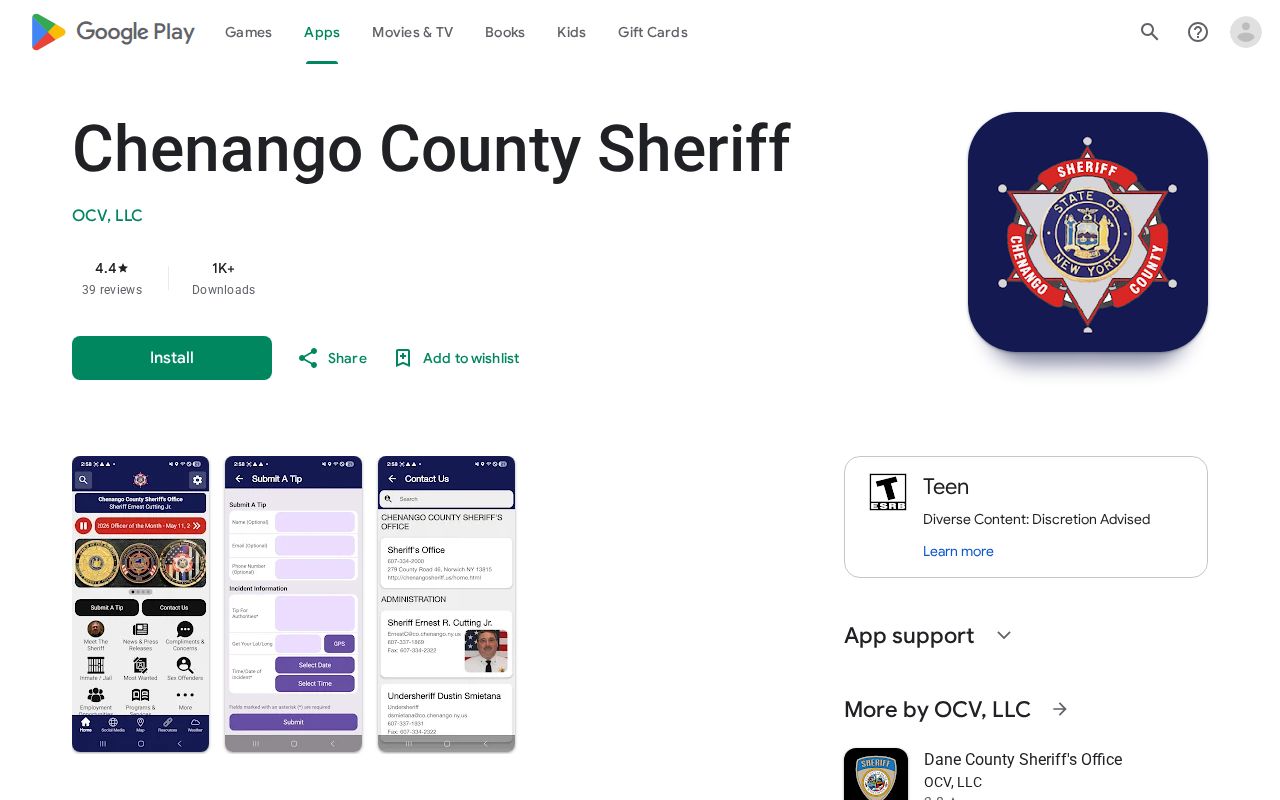
The county app should be checked beside, not confused with, VINELink.
The official Corrections page places the jail at 279 County Road 46, Norwich, NY 13815. The Lobby Desk is 607-337-1967. The Sheriff main line is 607-334-2000. For an immediate threat, call 911.
County and State VINE Layers
New York runs VINE in two institutional layers. The New York State Sheriffs' Institute and Sheriff Assist describe a release-notification system. It covers county jails. DOCCS publishes the state VINE hotline. It also explains notifications for state correctional custody. A Chenango County booking belongs first to the county layer. That applies when the facility participates and sends the event. A later sentence and transfer to DOCCS can then create a separate state record.
A registration tied to a county record may not follow a person. A new correctional system can end its reach. Recheck VINELink after any transfer. Register again for the new record if one is offered. Keep the county booking date, the state DIN or NYSID, and your VINE details separate. They identify different events.
The DOCCS notification page is the official state description. Sheriff Assist explains the county-jail layer. Neither page shows whether a named person currently has a Chenango record. Confirm that in the live interface or with the agency.
Reading Chenango Custody Alerts
A custody notification reports a system event, nothing more. It may describe a release, a transfer, an escape, a return to custody, or another change that agency supports. It does not state that a criminal case ended. Release can follow an appearance ticket, recognizance, bail, a court order, sentence completion, or a transfer, so read the event label, agency, and time.
| Alert | What to verify | Where to confirm |
|---|---|---|
| Release | Whether another hold exists | Agency or court |
| Transfer | Destination and identifier | Receiving system |
| Status change | Event text and time | Booking Desk |
| No alert | Contact and registration settings | VINELink |
Automated messages can lag behind the event. Keep safety plans independent of any single notification, contact law enforcement or victim services with concerns, and call 911 for immediate danger.
When VINELink Finds No Arrest
A no-result is not a legal conclusion. The spelling may differ. Intake may still be underway, the record may have left the searchable window, or the arrest may never have led to jail custody. A person can receive an appearance ticket and still have police and court records without a lasting jail entry.
- Confirm the legal name, aliases, and birth date.
- Check that New York and the correct agency are selected.
- Use the Sheriff app for its advertised inmate search.
- Call the Booking Desk for a fresh arrest.
- Use FOIL for a past booking record.
For state prison, check DOCCS. For federal prison, use the Bureau of Prisons locator. Immigration custody has its own ICE locator, and none of these systems share one universal record, since VINELink is not a federal search.
Maintain a Chenango VINE Registration
A VINE registration only works when the details behind it stay clean. Pick a phone number or email that actually receives messages. Finish every confirmation step, and keep the four-digit phone PIN somewhere private. Has your contact information changed? Update or replace the registration right away. Names repeat often in Chenango County, so check the agency and identifiers before subscribing. Alerts need to land on the right record.
Treat notifications as confidential. Never share an alert, a PIN, a phone number, or any personal identifier. VINE events move fast and can be sensitive. Jot down the event time. Then confirm with the facility when accuracy matters. The official county mobile-app page covers the Sheriff app's change-of-status tools. Running both systems does not make either one instant.
For older material, skip VINE and file a records request instead. The Chenango County Records Request Portal handles past commitments, release records, and held documents. Include the full name, birth date if known, date range, agency, and case number. Describe the record precisely. FOIL can hand over an existing agency record subject to exemptions. It cannot force an office to assemble a new custody timeline.
Most missed notifications have boring causes. A blocked caller, a full mailbox, a changed email address, or carrier filtering can all stop delivery. So can a subscription that was never confirmed. Check the registration in VINELink first, before assuming the custody record never moved. The automated state phone service also handles registration questions and status information. A victim advocate or the court may have given you a separate safety contact. Keep it close. VINE is informational and never replaces a personal safety plan.
Custody status and court status are different animals. An appeal, a new appearance, or another charge can still be pending. An alert can land anyway. A court filing can also change without any custody notification at all. For disposition documents, go to the court named in the case. The arresting police office holds the incident report. The jail or DOCCS can confirm the current place of confinement. Sort it out source by source. That keeps a release alert from being mistaken for a dismissal.